AI for Dentists
How do you create patient before-and-after images with AI?
Gabriel Gimenez · Published on September 19, 2026
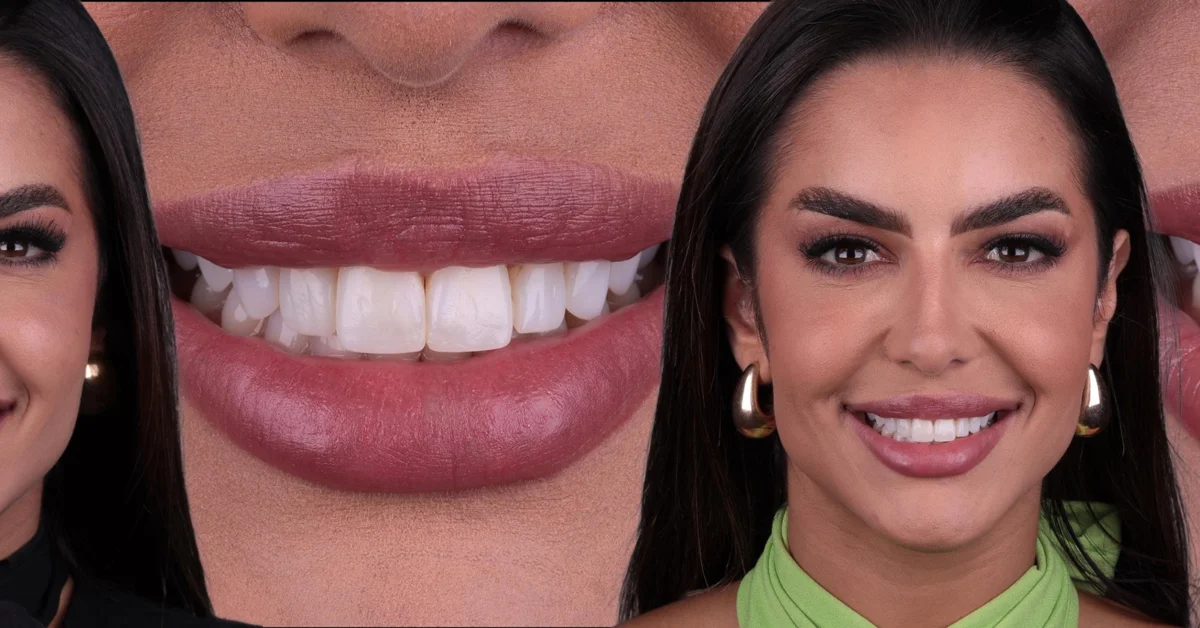
To create patient before-and-after images with AI you need three things: a well-taken photo of the patient's smile, a dental AI tool, and authorization to use the image. On dentraw LAB the process is: upload the photo, generate the simulation or enhancement with Preview, and export the piece ready to show in the office or post on Instagram, all in a few minutes.
There are two types of before-and-after, and both benefit from AI. The first is the preview simulation, which shows the patient how their smile could look before they approve the treatment plan. The second is the completed-case comparison, which documents the real outcome of the treatment. In both cases, AI handles the visual side: it standardizes light, framing, and presentation, which is where most practices lose time.
Below I walk through the full step-by-step, the clinical and legal precautions, and how I produce this material myself when I talk with partner dentists.
What is the step-by-step to create a before-and-after with AI?
The workflow I recommend and use on dentraw LAB is this:
- Photograph the patient with a standard. Smartphone in portrait mode or a regular photo, neutral background, natural light or a ring light. Always shoot the same angle for the before and the after.
- Upload the photo to the platform. In Preview, the AI generates the smile simulation from the patient's real photo, with no need for expensive planning software.
- Review the generated image. Check that the simulation is realistic and consistent with the treatment plan. The AI proposes, but the dentist validates.
- Build the comparison. Put the before and after side by side or in sequence, with your practice's visual identity.
- Export in the right format. Instagram feed, stories, chairside presentation, or printed proposal: each channel calls for a different crop.
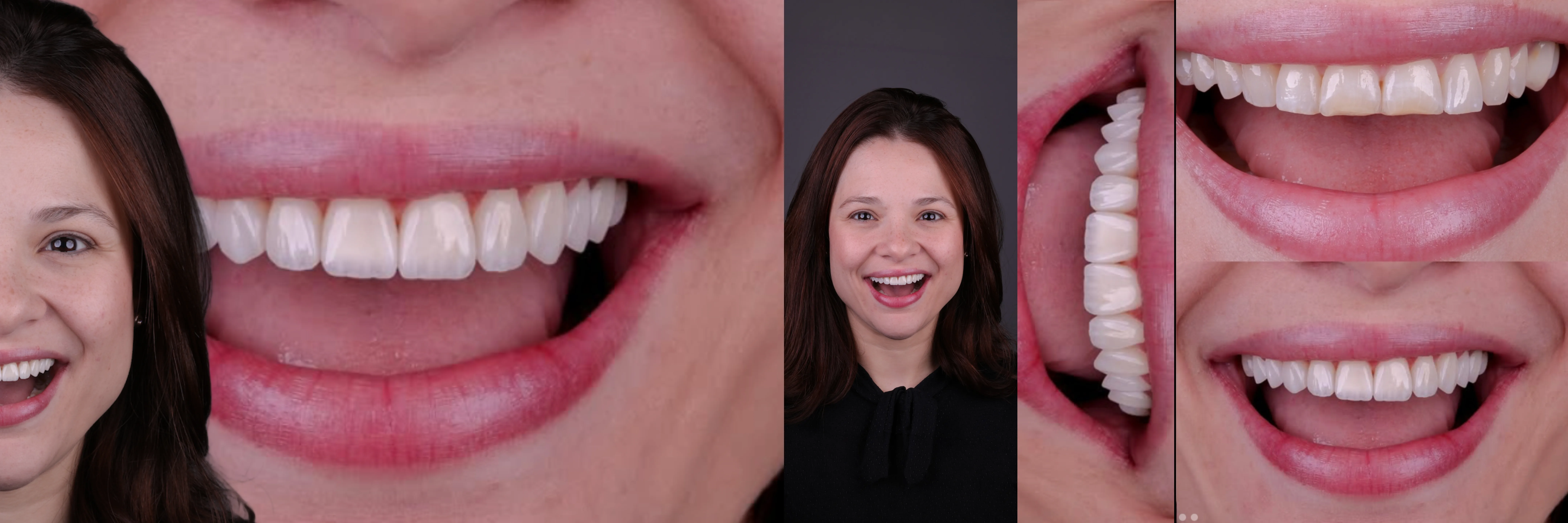
Simulation or completed case: which before-and-after should you use?
The two formats serve different purposes in patient acquisition and conversion:
| Format | When to use it | Goal |
|---|---|---|
| AI simulation (Preview) | Evaluation appointment, before the quote | Align expectations and help the patient decide |
| Real before-and-after | Completed case, with patient authorization | Prove technical skill and build social proof |
| Transformation video (Live) | Instagram and presentations | Show the change in motion, with more impact |
| Case carousel | Practice feed | Tell the story of the case in stages |
In practice, the offices that convert the most use both: the simulation to close the treatment and the real before-and-after to attract the next patients.
What does AI improve in a before-and-after photo?
An AI before-and-after is the use of artificial intelligence to standardize, enhance, and present clinical patient photos, both in outcome simulation and in documenting the completed case.
On dentraw LAB, the AI fixes the problems that most often ruin this material in dental offices:
- Inconsistent lighting between the before photo and the after photo, which makes the result look smaller than it is.
- Different framing between the two photos, which breaks the visual comparison.
- Low sharpness from photos taken in a rush chairside, corrected with enhancement and upscaling.
- Amateur presentation, solved with ready-made frames, carousels, and videos in Studio.
I learned this firsthand. When Carlos and I started showing dentraw LAB to dentists, the first test was always the same: take any photo from the dentist's phone and generate the material on the spot. What convinced them was not the technology, it was watching their own office photo turn into a professional presentation piece in minutes.
How much does it cost to create before-and-afters with AI?
On dentraw LAB you start free: the 3-day trial unlocks the full platform. After that, pricing follows usage volume: plans from R$333 per month for constant use, or single credits at R$3.90 per image for occasional needs. Outside Brazil, billing is in US dollars converted from the real-based table. I detailed the full pricing table in the article on how much dentraw LAB costs.
Compared with the cost of a freelance designer per piece, or the hours a front-desk team member spends building comparisons in an image editor, the cost per AI before-and-after comes down to minutes of office time. And the return shows up where it matters: patients who see the simulation decide with more confidence.
What legal and ethical precautions should I take?
A before-and-after involves a patient's image, so three precautions are non-negotiable:
- Written authorization. Patient consent to use their image, even with the face cropped. Keep the signed form with the clinical record.
- A simulation is not a promise. Present the AI simulation as a visual reference, never as a guaranteed outcome. The treatment plan and its limits are still defined clinically.
- Dental advertising has rules. Publishing before-and-after images is regulated and the rules vary by country and state. Before posting, check the current rules of your dental board or regulator.
FAQ
Do I need professional equipment to create a before-and-after with AI? No. A photo taken with a smartphone, with good light and a neutral background, is enough. dentraw LAB's AI improves the lighting, sharpness, and framing of the image.
Can I use an AI simulation as a promise of results to the patient? No. The simulation is a visual reference to align expectations, never a guarantee of clinical outcome. Make that clear to the patient and check the current advertising rules of your dental board or regulator.
How much does it cost to create a before-and-after on dentraw LAB? The trial is free for 3 days. After that, plans start at R$333 per month and single credits cost R$3.90 per image, with a 24-hour pass at R$11.90. Outside Brazil, billing is in US dollars converted from the real-based table.
Can I post the before-and-after on my practice's Instagram? Yes, as long as you have the patient's written authorization to use their image. dentraw LAB already exports the ideal formats for feed and stories.
What is the difference between simulating a smile and building a before-and-after? The simulation shows how the smile could look before treatment. The before-and-after compares the starting point with the final result of a completed case. Both use AI, but at different moments of the patient journey.
If you want to generate the first before-and-after of a real patient today, start your free 3-day trial now.
Related articles
Frequently asked questions
Do I need professional equipment to create a before-and-after with AI?
No. A photo taken with a smartphone, with good light and a neutral background, is enough. dentraw LAB's AI improves the lighting, sharpness, and framing of the image.
Can I use an AI simulation as a promise of results to the patient?
No. The simulation is a visual reference to align expectations, never a guarantee of clinical outcome. Make that clear to the patient and check the current advertising rules of your dental board or regulator.
How much does it cost to create a before-and-after on dentraw LAB?
The trial is free for 3 days. After that, plans start at R$333 per month and single credits cost R$3.90 per image, with a 24-hour pass at R$11.90. Outside Brazil, billing is in US dollars converted from the real-based table.
Can I post the before-and-after on my practice's Instagram?
Yes, as long as you have the patient's written authorization to use their image. dentraw LAB already exports the ideal formats for feed and stories.
What is the difference between simulating a smile and building a before-and-after?
The simulation shows how the smile could look before treatment. The before-and-after compares the starting point with the final result of a completed case. Both use AI, but at different moments of the patient journey.