AI for Dentists
How to use AI to get the patient to accept treatment?
Gabriel Gimenez · Published on September 19, 2026
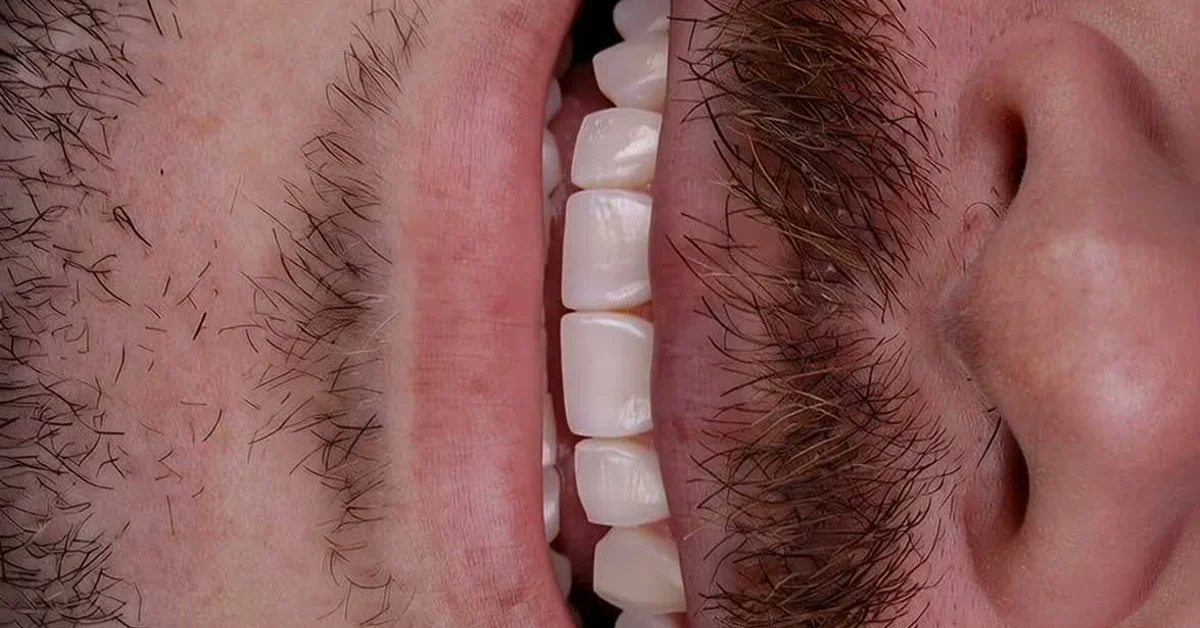
The most effective way to use AI to get a patient to accept treatment is to show the result before talking about price: photograph the smile during the evaluation appointment, generate an AI simulation in a few minutes, and present the before and after on screen, together with the treatment plan. A patient who sees their own smile transformed stops comparing prices and starts comparing the result with their current situation.
This works because most refusals are not about money, they are about doubt. The patient cannot visualize what you are proposing, so they ask for time, ask for a discount, or disappear. The AI simulation removes the abstract part of the conversation.
At dentraw LAB, I see this every week talking with dentists who use Preview: those who started presenting the simulation at the first appointment report that the negotiation changes tone. Below I explain why, the step by step, and the mistakes I made myself.
Why does the patient not accept the treatment plan?
Patients decline treatment plans for three main reasons, and only one of them is price:
- They cannot visualize the result. Veneers, whitening, rehabilitation: for someone outside the field, all of this is abstract. Patients buy what they can imagine.
- They do not trust it is worth the fee. Without seeing the result, any number feels high. Their natural comparison is with other quotes, not with the benefit.
- They are afraid of regretting it. Especially in cosmetic cases, the fear of looking artificial or too different stalls the decision, even when money is available.
The AI simulation addresses all three directly: it shows the result, anchors the fee to the visualized benefit, and reduces the fear of the unknown. If your patient stalls because of fear of the outcome, the article on how simulation helps when the patient fears the result goes deeper on that point.
How do you build the AI presentation in the appointment?
The flow I recommend, tested with dentists using dentraw LAB:
- Photograph at the evaluation. One frontal smiling photo with good light is enough. You do not need a professional setup for the simulation.
- Generate the simulation before talking about price. In Preview, the smile simulation is ready in a few minutes, still during the appointment or between the evaluation and the follow-up visit.
- Present the before and after on screen. Show the original and the simulation side by side, unhurried, and ask what the patient thinks. Let them speak first.
- Only then present the plan and the fee. Now the number is anchored to something they saw and want, not to a technical description.
- Send the simulation home. The patient who takes the image shows it to family, and the decision stops being theirs alone in the operatory.
The detail that changes the outcome the most is step 3: whoever shows the simulation after the price uses the image to justify the fee; whoever shows it before uses it to create desire. Order matters. The full technical walkthrough is in the article how to simulate a smile with AI before charging the patient.
What did I learn in practice with this approach?
In the early days of dentraw LAB, Carlos Herton and I pitched the simulation to dentists as a marketing feature, to attract new patients. It was a dentist user who flipped the switch: he used Preview inside the appointment, during the negotiation, and told us the simulation was worth more in the chair than on Instagram.
I have tested that logic in dozens of conversations since, and the pattern repeats: AI does not convince the patient on its own, it changes the object of the conversation. Instead of debating whether it is worth a given fee, the conversation becomes "is this what I want?". That question the dentist can guide; the price war, no.
One mistake I made early on and see others make: generating a simulation that looks too perfect. When the simulated result looks unrealistic, the patient gets suspicious or builds an expectation that is impossible to meet. Aim for a result that is beautiful and plausible, and make it clear it is a preview, not a clinical promise.
How much does it cost to use AI to present treatments?
At dentraw LAB, you can start paying nothing: the free 3-day trial unlocks the full platform, enough time to simulate a real patient's case and test the presentation in the appointment. After that, plans start at R$333 per month, and pay-as-you-go credits cost R$3.90 per image and R$6.90 per video for occasional use. The pricing logic is simple: constant use pays off on a subscription, occasional use pays off with credits. Clients outside Brazil are billed in US dollars, converted from the Brazilian price table. The full table is in how much dentraw LAB costs.
Putting it in perspective: a single standalone simulation costs less than many printed quotes. If one extra acceptance per month pays for the subscription several times over, the math usually works out fast for practices with cosmetic demand.
FAQ
Does an AI simulation really increase case acceptance? In our experience with dentists using dentraw LAB, showing the simulation during the evaluation appointment changes the conversation: the patient stops negotiating price and starts discussing the result they saw. There is no guarantee of closing, but the objection changes in nature.
Should I promise the result will look exactly like the simulation? No. The simulation is an aesthetic preview, not a clinical guarantee. Say that clearly and, if your dental board has rules on advertising, check the current regulation before publishing before and after images.
When during the appointment should I show the simulation? After hearing the patient's concerns and before presenting the price. Showing the simulation first makes the fee be compared against the visualized result, not against other quotes.
How much does it cost to use dentraw LAB for this? You can start with the free 3-day trial. After that, plans start at R$333 per month and pay-as-you-go credits at R$3.90 per image. International clients are billed in US dollars. The full table is in the pricing article on the blog.
Does it work for non-cosmetic treatments? Yes, with adaptation. For rehabilitations and functional cases, the simulation helps the patient visualize the final stage of treatment, which is usually the abstract part that stalls the decision.
If you want to test this presentation on your next cosmetic case, start your free 3-day trial now and generate the first simulation this week.
Related articles
Frequently asked questions
Does an AI simulation really increase case acceptance?
In our experience with dentists using dentraw LAB, showing the simulation during the evaluation appointment changes the conversation: the patient stops negotiating price and starts discussing the result they saw. There is no guarantee of closing, but the objection changes in nature.
Should I promise the result will look exactly like the simulation?
No. The simulation is an aesthetic preview, not a clinical guarantee. Say that clearly and, if your dental board has rules on advertising, check the current regulation before publishing before and after images.
When during the appointment should I show the simulation?
After hearing the patient's concerns and before presenting the price. Showing the simulation first makes the fee be compared against the visualized result, not against other quotes.
How much does it cost to use dentraw LAB for this?
You can start with the free 3-day trial. After that, plans start at R$333 per month and pay-as-you-go credits at R$3.90 per image. International clients are billed in US dollars. The full table is in the pricing article on the blog.
Does it work for non-cosmetic treatments?
Yes, with adaptation. For rehabilitations and functional cases, the simulation helps the patient visualize the final stage of treatment, which is usually the abstract part that stalls the decision.